

These Google Maps Alternatives Make Scenic Detours The Road Trip Rule, Not The Exception
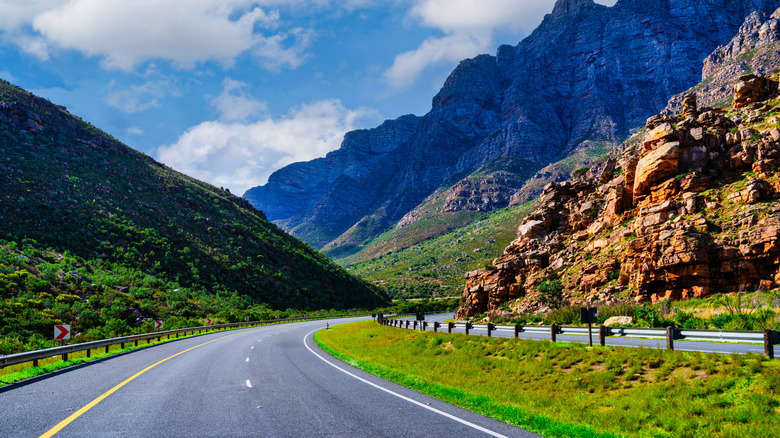
Since its debut over 20 years ago– back in the days of MapQuest, TomTom, and asking the gas station attendant the best route to the highway — Google Maps has steadily come to dominate the map market, especially for mobile users. While TomTom has stopped selling GPS units in the United States and paper maps have steadily disappeared from glove compartments and seatback pockets across the globe, Google Maps boasts roughly 2 billion monthly users, a catalog of 5 million miles of roads with Street View data, and turn-by-turn directions for almost 28 million miles of road.
With that kind of data behind it, it's impossible to argue that Google Maps isn't a powerhouse. But that doesn't mean everybody's favorite data tech company actually offers the best map experience. If you've ever tried to plan a road trip route that gets any further off the beaten path than the lovable Love's travel stop at the end of the interstate off-ramp, then you know firsthand just how resistant to change Google Maps can really be. Frankly, trying to avoid the interstate and find a scenic route while using Google Maps is a massive headache we'd rather nobody have to deal with.
Here at Jalopnik, we believe that taking the scenic route should be a universal road trip rule, so Google Maps' reluctance to provide drivers with a scenic route option really rubs us the wrong way. You're in luck, though, because we've dug up tons of road trip map alternatives that can get you the best views the world has to offer without constant attempts to reroute you right back to the hackneyed old interstate.
The problem with using Google Maps for road trips

If you're gearing up for a road trip — whether of the upstate, cross-country, or international variety –and you want to get from point A to point B as quickly and efficiently as possible, then Google Maps is a fine option. In the vast majority of cases, the app will just put you on the nearest highway or interstate and have you ride that as close to your destination as possible. You'll get where you need to go, but you have little say over what the route looks like, and the chances are good that you spend the next few hours or days staring at a pretty mundane stretch of unchanging highway.
If that floats your boat, cool — but there's so much more to see than that, and you'll be hard-pressed to talk Google Maps into showing you any of it. The app's driving routes are optimized for speed, safety, and fuel efficiency, but they don't really account for fun. For some road-trippers, the journey is the destination, which makes 30 hours of interstate views pretty unappetizing. Google Maps does give a route option called "Avoid Highways," which works as advertised but doesn't give you any further controls. There's also the option to set waypoints and make a route including multiple destinations, but such routes can't be saved or shared between devices.
It's also just hard to save and document your routes generally, so even when you find a nice route while out exploring, you can't easily reproduce that route or send others out to see it. At the end of the day, Google Maps simply doesn't have the functionality to make scenic routes accessible — at least not without causing more than a few headaches along the way.
Porsche Roads: The driving enthusiast's alternative to Google Maps

These issues with Google Maps aren't new, and they're far from secret. We all know how obsessed driving enthusiasts get with finding fun routes to show off their new digs on, and we should thank our lucky stars for them. That impulse is what led to the development of the Porsche Roads app. Before you scroll away assuming that the Porsche name means you're priced out of this app, let us lead with this: Porsche Roads is totally free, irrespective of your status as a Porsche owner. All you have to do is download the app, make a Porsche ID for your account, and start picking routes. There are no subscriptions or other services locked behind a paywall. Thanks, Porsche!
Roads isn't your run-of-the-mill navigation app, either, and it's not all that useful for a trip to the grocery store. Designed with driving enthusiasts in mind, this app is all about finding routes that are beautiful and fun-to-drive and can show off your car's strengths. Users create and publish routes on the map, and you can select them (or create your own). Once you do, the navigation directs you to the start of the route from wherever you are and then directs you back home once the route is over.
Android Auto and CarPlay integration make Roads even more convenient. In some ways, Roads is more like a social media site than a true map. You can connect with other drivers with similar tastes, find locals, and even post public messages to everyone in your area. It's great for cataloging drives you love or taking detours while traveling, but it's not going to be useful while you road trip the world's longest highway.
Scenic: the biker's alternative to Google Maps
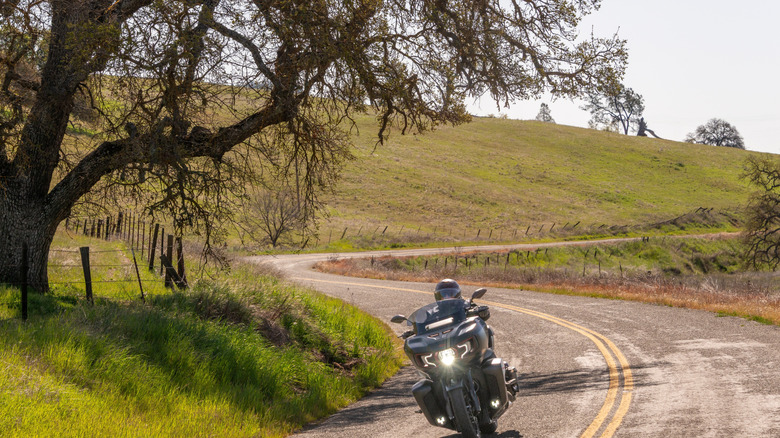
Another popular navigational app for scenic-route drives wears its intentions right on its sleeve. It's called Scenic, and it's specifically designed for motorcyclists who want to make the most of their bikes on wide-open roads, trails, and paths. Through Scenic, you can plan and track rides all across the world, and you don't necessarily have to stick to pavement. If a path is mappable and a bike can take it, you're likely to find it on Scenic. That's fun, but it also means you might find yourself in a pickle if you try to follow a route in a car only to realize 80 miles in that you're meant to turn down a four-foot dirt path meant for dirt bikes.
Scenic claims over 200,000 public routes available worldwide, and it has full offline capabilities in case you find yourself far enough off the beaten path that you lose reception. It also tracks your riding history, so you can keep stats on how far you go, how many rides you take, top speed, and more. You can also plan rides in detail ahead of time and load them when it's time to actually depart. One fun feature is that Scenic even ranks all its users against one another based on their logged rides. So somebody out there is the definitive Scenic champ. If that's you, chime in. What do your stats look like? While users can share routes and make them public, this app doesn't have the same social media bent that Porsche Roads does. You don't add friends or see who's in your area. The basic version of Scenic is free, but there are in-app purchases, including paywalled features.
Organic maps: the people's alternative to Google Maps

Your map apps don't have to be controlled by big corporations. That's the philosophy behind the privacy-focused Organic Maps – a free and open-source software (FOSS) project that uses OpenStreetMap data to compile a comprehensive world map that has all the information you could ever ask for. At its core, Organic Maps is a strict replacement for Google Maps, unlike most apps on this list. It has most of the same functionality, from multi-destination routes and waypoints to business information, though it lacks live traffic updates and street view.
Two features set Organic Maps apart from the looming titan that is Google Maps. The first is that Organic Maps has an actually functional way to build a completely bespoke route by inputting destinations and exporting the result. You can save these routes for later, organize them into lists, and even share them with others, so you'll never lose your route mid-trip and have to do all that data entry over again.
Second, Organic Maps has actionable map information for far more than driving. By applying different layers, you can find detailed isometric elevation maps, hiking trails, bike paths, subway lines, scenic vistas, and outdoor attractions. As far as open-source competitors to tech giants go, Organic Maps is a damn impressive one, even offering Android Auto compatibility — as long as you download it from Google Play. It also offers full offline functionality, as long as you have an area's map downloaded. This is my daily driver map app, and I couldn't be happier with it. For further distance from the near-omnipresent data surveillance we experience while driving, check out DeFlock, an open-source project for mapping Flock cameras.
Garmin Navigators: the technocrat's alternative to Google Maps
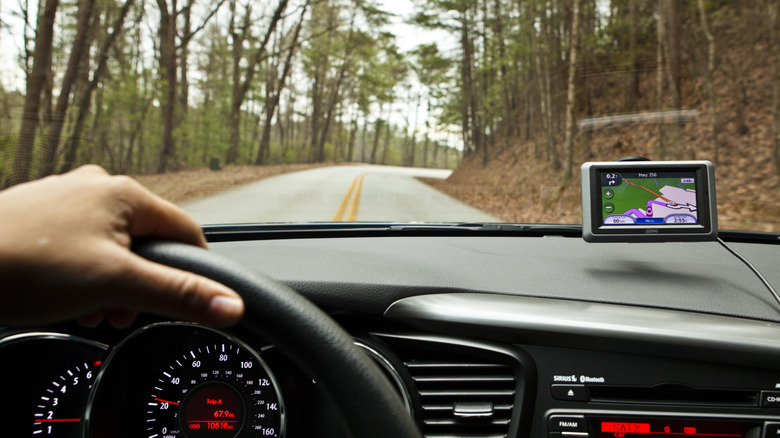
Sure, the rise of mobile apps and the reliable maps stuffed inside them has been pretty exciting, but there's still something to be said for having a dedicated GPS. They're harder to find than they used to be, and if you're buying new, a Garmin is just about your only option for a dash-mounted, non-smartphone GPS unit these days, but the road trip benefits are undeniable. For one thing, Garmin GPS units are fully independent devices. They don't require you to have a cell signal, and, in fact, they don't require you to have a phone at all. That's important for people who are ditching their smartphones or simply looking to minimize distractions while driving. As long as you pre-load the maps you'll need onto your device's built-in storage, you can drive for days without ever needing a signal of any sort. They're also not super expensive, unless you opt for the top-of-the-line gear. The most basic Garmin Drive 53 is only about $150.
These days, you can even get live traffic updates on your Garmin, and some also function as dash cams, too. You'll have to pay a bit more for either of those features, but having the option is valuable. Garmin's voice assistant and spoken directions make their units easy to use without getting distracted while on the road, and it's also easy to save routes to load at various points during your trip. Of course, there are downsides, such as a dedicated GPS unit's need to be perpetually plugged in and the extra clutter caused by adding one more device to your car. However, these are a great option for drivers without a built-in infotainment system.
Physical maps: your grandpa's alternative to Google Maps
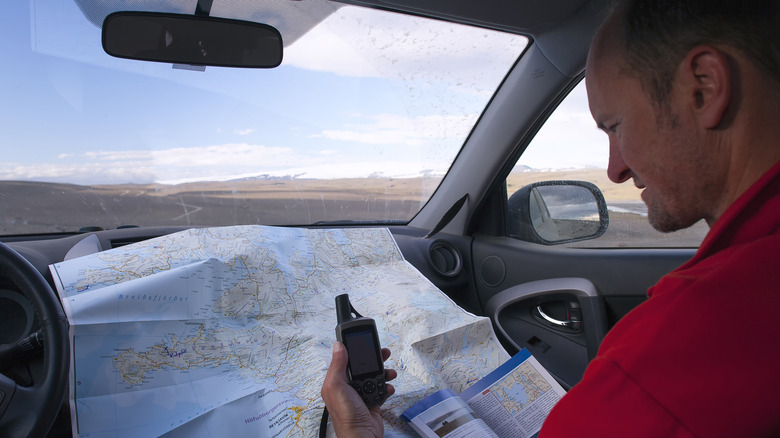
There are hundreds of high-tech solutions for all your navigation needs, but none of them offer the freedom and flexibility of just having a good, old-fashioned paper atlas. Yes, they still exist! And some people even know how to read them, despite what you might've been led to believe by big tech. Simply put, planning out your road trip with a physical map gives you more control over your trip, and if you're trying to take the scenic route, it empowers you to plan every twist, turn, and vista down to the finest detail. You can spend 100 miles meandering around the mountainside and then jag back to the interstate for a couple of hours without an annoying robot voice yelling at you every time you decide you want to alter your route a little bit.
No, it's not very flashy, nor does it provide you with live updates or real-time location tracking. And yeah, it'll likely take more effort and intention to keep track of everything while driving, but planning your scenic road trip on a piece of paper could make your drive way more special and way more interesting. Plus, it makes for a good keepsake. At the end of the day, road trips are supposed to be fun. Even when the ultimate purpose of the trip is something like visiting your least favorite cousin or picking up a TV you bought on Craigslist without realizing it was a 3-hour drive away (not a personal experience, I swear), it's good to experience a little wonder and awe along the way. Besides, why would you want to look at I-80 for 12 hours when there's so much else out there to see?