

8 Things Your iPhone Does As You Flip Your Car Down An Embankment
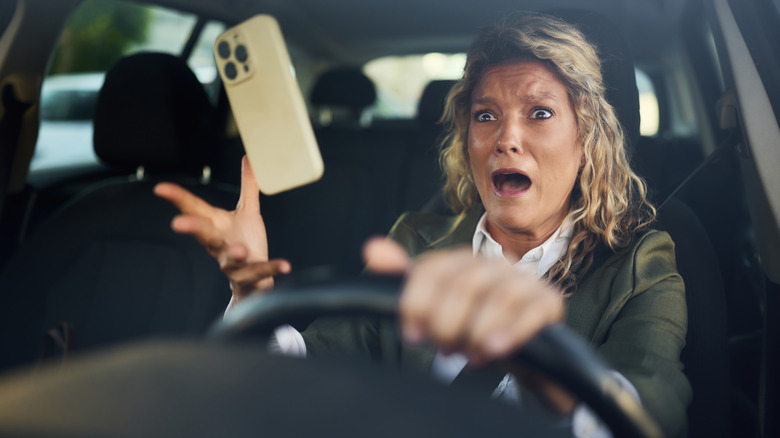
A phone puts in a lot of work while we're driving around, especially if your car's infotainment system is painfully old and it's doing double duty there. And while plenty has been said about how our phones can help cause a crash – texting-while-driving bans exist in every state but one – we don't talk as much about how they can be downright heroic when one actually occurs.
Apple introduced Crash Detection with the iPhone 14 in 2022 (it works on iPhone 14 or later running iOS 16 or later). The underlying technology unlocks a number of possibilities, some of which could literally save a user's life. That's because once your phone knows you've been in a crash, it can do a number of phone-based tasks that you might no longer be in a position to do yourself, from calling 911 and letting them know where to find you to alerting your emergency contacts that something has gone awry.
It's worth noting that nothing here is exclusive to Apple. In fact, Google Pixel phones have been doing crash detection since 2019. But since more Americans use iPhones than every other competing device combined, getting Crash Detection into iOS represented the first mainstream on-by-default introduction of the technology in the United States, even if many users were unaware it was even there. So if you have a different device, there's a chance it can do what's being discussed today. We're sharing the iPhone perspective for the sake of being relevant to the most users and letting us be specific about the details. So here's what your phone might get up to right after you overcorrect from hitting inexplicable gravel on that backroad sweeper.
Confirms that you're in a car
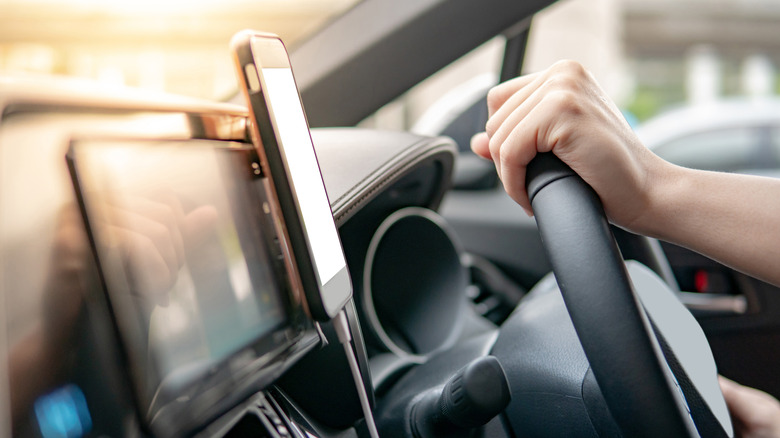
Your iPhone starts determining that you're in a crash based on a bunch of real-time data that it's taking in all the time — think change in speed, impact force, and even changes in air pressure. But before it takes any action that could lead to a rescue helicopter being summoned to your location or scaring the daylights out of your emergency contact, it's going to evaluate whether you've actually been traveling along in a car versus, say, knocking your phone off a balcony or falling down a flight of stairs.
There are no exact criteria that answer this question. A crash detection algorithm notes things like whether you are connected to a vehicle via Bluetooth, how rapidly it is passing through the range of nearby Wi-Fi connections, and even analyzes ambient engine sounds or road noise. The goal is to cobble together a clear enough picture of what's going on to distinguish between a phone being dropped on a moving subway and one flying through the air in an auto accident. It's an approach that had to be dialed in. When the feature was first introduced, there was a tendency for crash detection to be triggered in non-crash events, such as violent jostling on a roller coaster. Subsequent updates refined the criteria, aiming to reduce false positives and emergency crews being dispatched to amusement parks.
Apple has done research with crash labs to effectively draw this line, both determining when someone is traveling in a car and also filtering out minor incidents like a small fender bender or a phone simply being knocked on the floor while a vehicle is in motion.
Measures the forces you're likely experiencing personally
Once your iPhone has established that you're likely traveling in a vehicle and not bungee jumping or getting your clock cleaned playing football, it uses on-device hardware to get a handle on how much trauma the laws of physics are putting on the phone and, by extension, probably you.
New motion sensors introduced with the iPhone 14 include a three-axis gyroscope and high-g force accelerometer able to detect up to 256 Gs of force, which helps estimate if whatever is happening to you would land in a sufficiently severe place on something called the Maximum Abbreviated Injury Scale (MAIS). Apple says it has set the crash detection threshold in an effort to detect incidents with a MAIS level 3 and higher, at which point your injuries are likely to include "major lacerations, multiple fractures, crushed limbs, and bruised organs." Like we said: not a fender bender.
These sensors fire off more than 3,000 times per second, slowing your terrifying automotive mishap into a veritable eternity of data that captures the initial impact and every twist, turn, bump, and smash that follows. On the plus side, in this case your phone probably isn't spreading your information to advertisers, so there's that.
Listens for the crash, and even notices the airbags
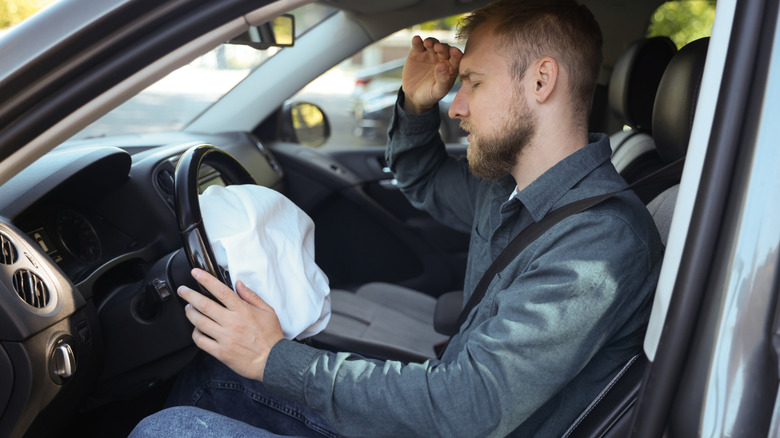
In addition to cutting-edge tech like the gyroscope and accelerometer, the iPhone also leans on pre-existing hardware to decide if the thing you're experiencing is indeed a crash that warrants an emergency response. One of those is the microphone, which can capture the acoustic data needed to identify crash sounds and help distinguish a real crash from false alarms G-force data might trigger.
Perhaps even more unexpected than your phone listening for tire-screeching and tree-hitting sounds is what's going on with its internal barometer, a sensor used primarily to measure elevation changes for activity tracking and support location services. Because airbags have a lot more going on than you might think and can temporarily alter the ambient air pressure inside the car when they go off, that barometer can often recognize the clue and relay the data point to the algorithm for consideration.
None of this is a sure thing. If your windows are down, the barometer might not be able to detect the change in pressure and the sounds of the accident may or may not align with what Apple's programming has decided a crash sounds like. Similar to the logic that determined you were in a car in the first place, it takes a number of differently-weighted data points to come up with an educated assessment of the situation. That assessment may be wrong, in either direction.
Asks if you're okay before calling for help
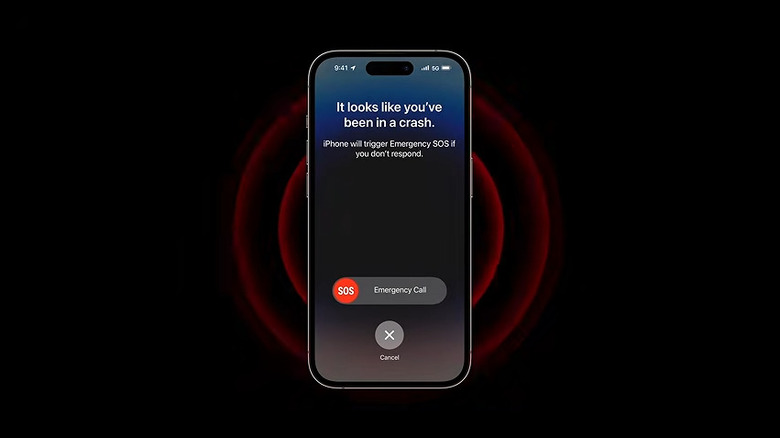
And because all these calculations can be wrong in either direction, the iPhone does provide a couple of clear opportunities for you to indicate there's been a wacky misunderstanding rather than a dangerous crash before it mobilizes a dramatic and potentially expensive emergency response on your behalf.
Before springing into action, it'll first sound an audible alarm and show an alert on the screen. This lasts 10 seconds. If you swipe where indicated it will call emergency services and if you dismiss the alert it'll cancel the whole thing. Of course, emergencies being emergencies, you might not be able to do either, in which case a 30-second countdown will occur before it moves forward.
During this time your phone will be making loud noises you probably haven't heard before, vibrating in a way you didn't realize it was capable of, and activating an LED strobe. If you swipe to call emergency services, you'll be connected. If you take no action, presumably because you can't, not because you didn't notice the air raid warnings coming from your phone, the countdown reaches zero and the phone springs into action on your behalf.
Tries to reach a satellite if there's no cell service

If you didn't have the foresight to sail your car into a ravine someplace with respectable cell phone coverage, you might think that all of this would just result in you having to listen to your phone make awful noises while you try to get yourself out of a dangerous situation with a cheap seatbelt cutter tool followed by it realizing it doesn't have any service anyway.
Not so! Since 2022, iPhone users in the U.S. and Canada with iPhone 14 models and later have had access to Emergency SOS via satellite. Whether you swiped right during the scary countdown or allowed it to reach zero while unresponsive or otherwise indisposed, the phone can use a data connection via satellite to reach help if cell service isn't available. If you're in a position to operate the phone, this won't be a voice call. You start with an emergency text, which will connect to emergency services after you enter "Report Emergency" mode. This prompts you to describe your situation using multiple choice questions to narrow down your predicament and relay the appropriate information.
Depending on where you are, a satellite connection may or may not be readily available. Dense tree cover above or the fact that you're upside down under a car may limit your phone's ability to reach a satellite. If that turns out to be an issue, the screen will walk you through how to best get a connection, such as moving to a place with a clear view of the horizon, which hopefully you'll be in a position to do. Of course, having to get yourself to the top of a hill remains preferable to having to get yourself to the nearest town.
Calls 911 and tells them where to find you
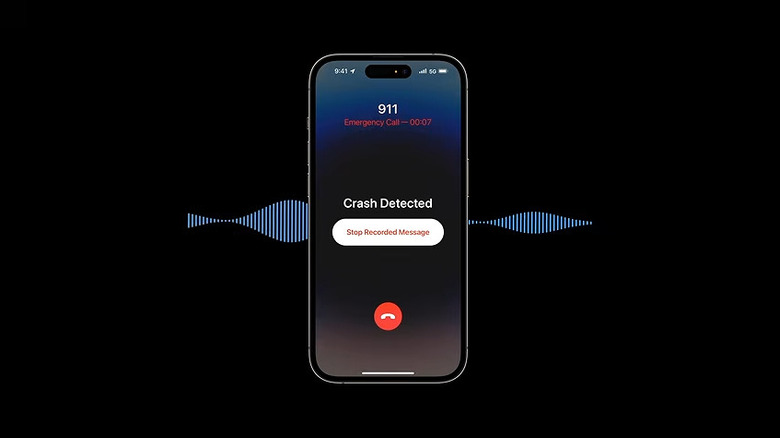
If you have cell service, none of that satellite business happens. After you don't respond in time and the countdown reaches zero, the iPhone calls emergency services. Because you're presumably unavailable at this point, once emergency dispatch answers the call, they will hear a repeating audio message indicating that a serious car crash has been detected with an unresponsive person in need of help. The message also includes a search radius based on your approximate latitude and longitude.
During this time, two-way audio is enabled and the repeating recording will play at a reduced volume, so if you become able to speak with emergency services or someone else arrives on the scene, the conversation can proceed like any other 911 call. The phone screen will be commandeered with a "Crash Detected" message and the available interface will include one button to stop replaying the recorded message and another to end the call.
By the way, this all works over Wi-Fi calling as well, so you've also got options if you happen to flip your car down an embankment and into a Starbucks or something.
Tells your emergency contacts that you're in trouble
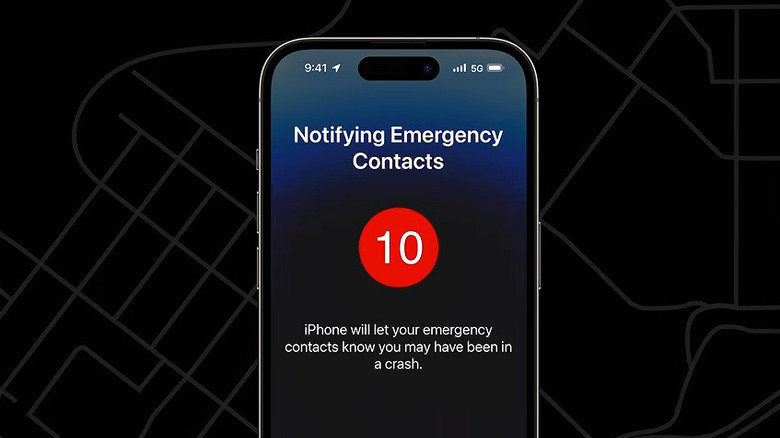
After your phone is done contacting emergency services, it can also send a message to your designated emergency contacts, letting them know that a crash has been detected and that 911 has been called. It will include an approximate location. This will appear as a text message coming from you, and its content will make it immediately apparent that something significant is happening.
This only works if you've set your phone up for emergency contacts, which you do somewhat unintuitively through the Health app. Apple explains how to do it on its support page, and now is as good a time as any to get that taken care of if you haven't already. While you're in there, you can also enter any medical information that emergency responders might benefit from having, which they can access under your phone's Medical ID feature.
Don't assume that you've designated your emergency contact just because your phone seems to already know who your mom is and reminds you to call her on her birthday. You can add more than one — just make sure that whoever you put in there is someone you're willing to wake up in the middle of the night with a terrifying text message they can never unsee.
Goes flying beyond your reach (and maybe breaks)
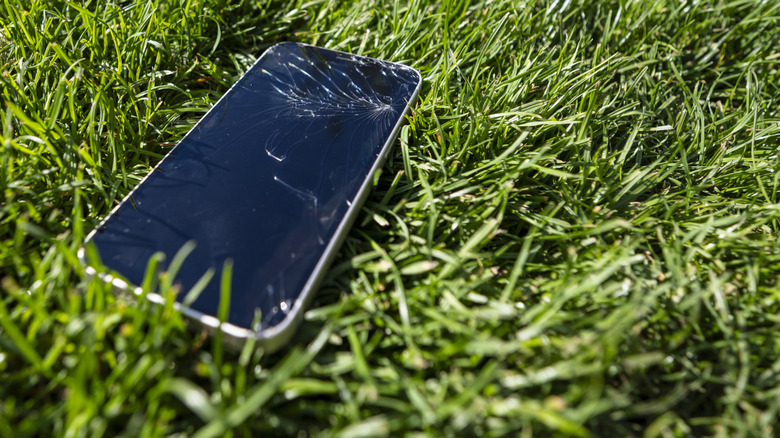
One of the most important takeaways here has nothing to do with satellite technology or crash identification algorithms. Car crashes are chaotic, and even as your phone is processing data with mind-bending speed and preparing to summon help if you need it, the device itself may also be flying somewhere you aren't going to be able to get it. This doesn't just matter because an unsecured phone can become a projectile that hurts you or someone else. It's also important because something simple like placing a call is trivial while you're driving along but can become impossible in an emergency. And the remarkable thing is that, provided your phone survives and detects the crash, it can still call for help without you ever laying a finger on it.
You might have no earthly idea where the phone went when you need it. The screen might be shattered and your pleas to Siri might be met with "Here's 'Help!' by The Beatles on Apple Music." Crash Detection isn't foolproof, it can't detect every wreck, and your phone might fall off your motorcycle and tell your family you crashed. On the other hand, it just might save the day.