

Why Picking A Good Cable For Android Auto Can Be More Complicated Than You'd Think
You're driving down the road about to embarrass the kids by unironically rocking out to Smashmouth when suddenly, your Android Auto says it is disconnected. The moment is ruined. Our readers say Android Auto is one of the automotive features they use the most, but spotty connection is also one of their most perplexing car problems. The good news is that if this is a common occurrence, the problem could be as simple as your USB cable. You might not give too much thought to the quality of your USB cable, using the "if it fits, it works" approach to choosing one. But picking the wrong cable can make a huge difference in the performance of Android Auto.
Google offers somewhat vague guidance on the choice of USB cable to be used with an Android Auto device, stating that the cable should be "high-quality," whatever that means. We can tell you that the USB cable should be fast enough to handle at least 480 megabits per second (Mbps) and have sufficient shielding, which will protect the inner wires from interference. Braided cables often provide good shielding and are generally sturdy. It also matters how long your USB cable is — in many cases, the shorter the better, for both power and data transfer.
And then there's compatibility. USB cables need to be compatible with your smartphone, Android Auto radio, and car. Just because it works well with one device won't guarantee that it will work well the others. That's why it's good to check the manufacturers' recommendations.
What's a high-quality USB cable?
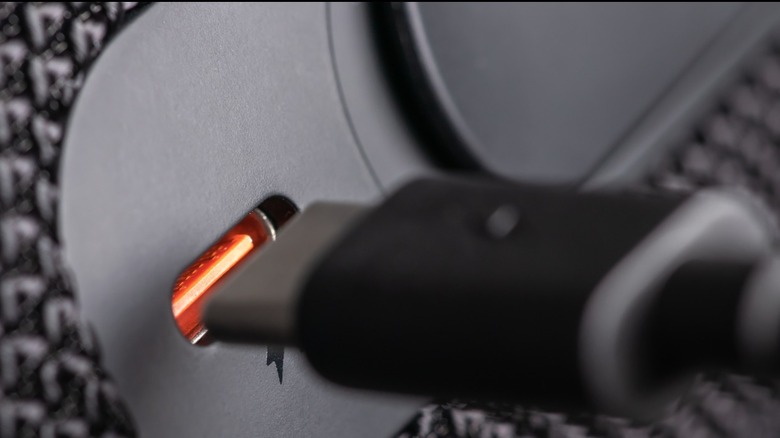
One of Google's recommendations is that the cable not exceed 3 feet long. Why would this matter? The longer the cable, the more resistance it gives to the current, unless wire's gauge is high enough to compensate. Additionally, the longer the cable, the more places it can kink or get pinched and frayed. Those things can create resistance as well.
It's also important to make sure that the USB cable you're using can handle data. Some cables are only capable of charging. If your phone charges just fine but Android Auto isn't working, this may be the problem.
And does it matter whether the cable is USB 2.0, 3.0, or 3.2? USB 2.0 can handle speeds up to 480 Mbps, which is usually fine for Android Auto. But if you have higher data demands, you might want to upgrade to USB 3.2 for faster transfer. However, to get the full USB 3.2 transfer speeds, you'll need to match a 3.2 port with a 3.2 cord. You can mix a USB 3.2 port with a USB 2.0 cable and vice versa, but you'll only get a maximum of USB 2.0 speeds.
Your safest bet is to go with the cable that came with your smartphone, which is what Google recommends. Otherwise, it's good to get a cable that is USB-IF certified, which ensures that cable has been tested against things like overheating and data loss.
What happens if you choose the wrong cable?
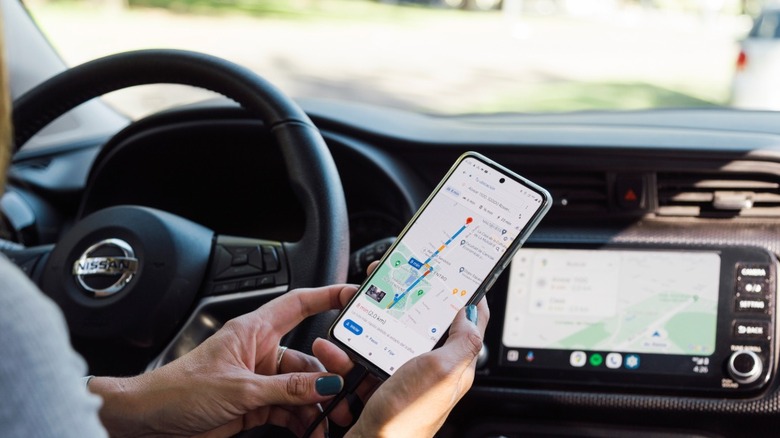
Like we said, longer cables create more resistance than shorter cables. What this means in practical terms is that there is a greater chance of data disruption, which can be an issue if you're using GPS or you're in the middle of a phone call. But it also means that longer cables can take longer to charge your phone. In fact, a cable 3 meters long can take up to 30 minutes longer to charge a phone than one just a meter long. That's why cable extensions aren't recommended. Cables without proper shielding have the same risk when it comes to data interruption, along with the danger of overheating.
It's also important to follow the recommendations of your smartphone manufacturer. Kia states, "Using an approved USB cable provided by your smartphone manufacturer is recommended. Using unapproved USB cables may cause a phone projection error or a system malfunction." In fact, the use of an uncertified cable could damage your Android Auto radio or smartphone.
Owl Repairs says that, according to its data, damaged, low-quality, or incompatible USB cables account for around 35% of Android Auto connection problems. So if you're having problems with Android Auto dropping your connection, your cable seems like a good place to start your troubleshooting. Of course, this may not be a problem for long if other automakers follow GM's example and drop Android Auto in favor of their own infotainment apps.