

The Pros And Cons Of Using USB Thumb Drives For Your In-Car Music Library
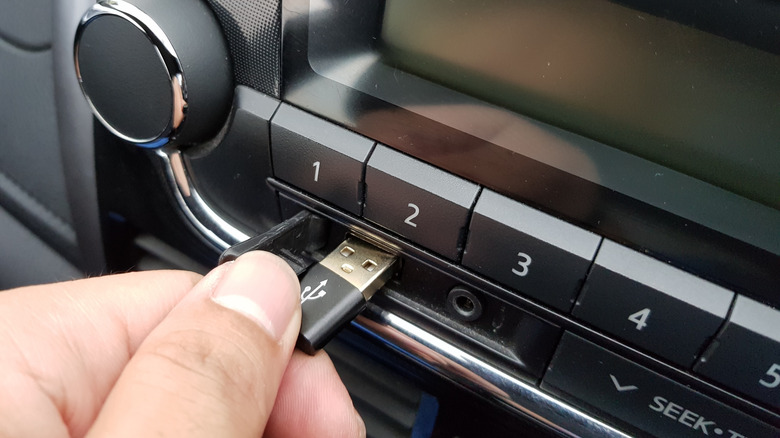
Streaming has made in-car listening nearly effortless, but it comes with trade-offs such as dead zones, subscription costs, and audio compression that most people have simply learned to accept. USB flash drives sidestep some of those problems entirely, but introduce a few of their own.
Audio quality is the strongest argument for USB drives. Wireless audio transmission has a ceiling. Bluetooth compresses music before it reaches your speakers, and only a small number of very specific codecs are capable of sending lossless audio wirelessly. When you load high-resolution files onto a flash drive and plug it directly into your car's system, that compression step never happens. The audio your stereo receives is the same quality as what you put on the drive, and you can enjoy crisp music as you embark on your road trip.
The storage math is surprisingly generous. Modern flash drives can hold an enormous amount of music — far more than most people will realistically listen to. The capacity available today means there's little reason to curate aggressively; You can essentially bring your entire library on a device smaller than your thumb. You also own what's on it. A streaming library can change overnight — songs get pulled, licensing deals expire, catalogs shift between platforms. Music stored on a flash drive stays put. There are no monthly fees to maintain access, and no connectivity requirement to hit play.
Consider the downsides of USBs
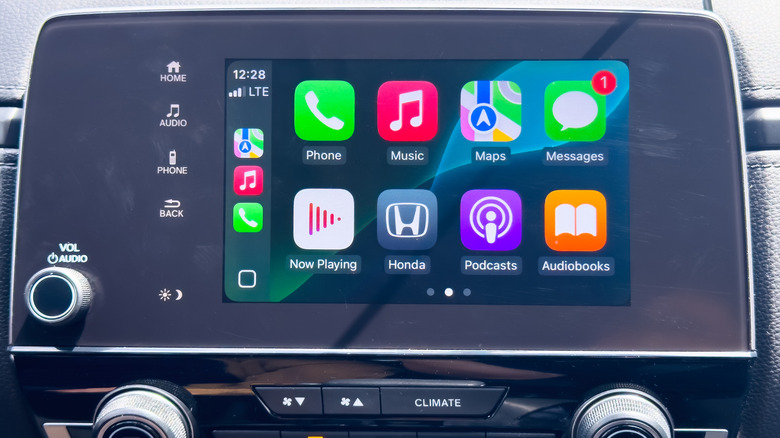
Compatibility between flash drives and factory stereo systems is inconsistent. Some head units are selective about which audio formats they'll recognize, refusing to play anything outside of standard compressed files such as mp3. If your car falls into that category, the audio quality advantage disappears entirely — you're stuck encoding everything to a format the system will accept, even if that format is not ideal for quality, which may not be much better than streaming.
The USB port in your car might not do what you think. Many drivers assume every USB port in their vehicle connects to the stereo. That's often not the case. Some ports are wired exclusively for charging and pass no audio signal whatsoever. Others that do handle audio can be tucked away in awkward spots — inside armrests or center consoles — rather than somewhere accessible while driving.
Getting a flash drive working well in a car isn't just a matter of dragging files onto it — proper setup can take real effort. File organization matters — a cluttered root folder makes navigation frustrating. Format compatibility needs to be confirmed before loading hundreds of tracks. And as the broader tech world shifts away from the rectangular USB-A connector, it's still one of the features many car owners use frequently.
While you can make your USB plug look great, the format likely has a limited run. Many experts view flash drives as a transitional solution rather than a long-term one. As car entertainment systems grow more sophisticated, the flash drive's role will probably shrink or disappear entirely. For listeners who prioritize sound quality and prefer owning their music outright, a well-organized USB library is a genuinely compelling option. But for casual listeners already comfortable with streaming, the setup overhead may not always be worth the effort.