

Here's How To Store Your Digital Car Keys On Your Android Phone
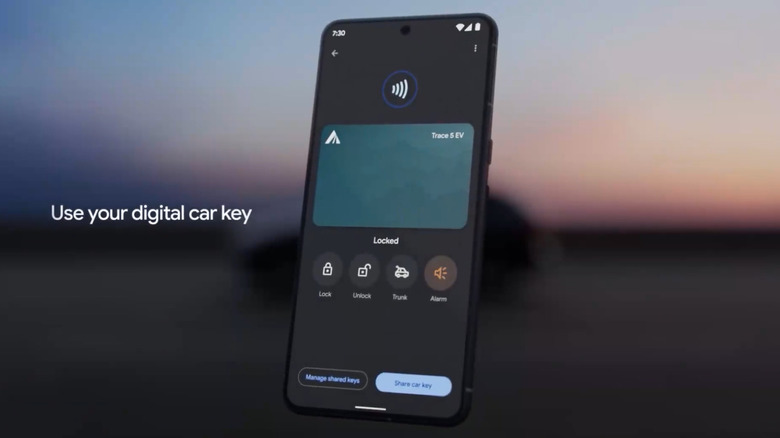
Digital keys are the next bandwagon that most carmakers stateside plan to jump on — and that Apple desperately wants you to use. But as of now, it's not a universal feature. Older cars might lack the hardware necessary to implement this relatively newer technology. Even on the software side of things, you will need a phone that supports at least Android 12 or later. If your phone doesn't have it and you need this feature, you should upgrade your phone at the first chance you get. It should go without saying that ensuring compatibility of both your phone and vehicle is the first thing you should do when setting up a digital car key.
Your vehicle should also have an NFC (near-field communication) reader, since digital car keys use NFC technology. This is the same tech that contactless credit cards and Apple's new Digital ID also use. The NFC reader should be located by your vehicle's wireless charging pad. This reader is what allows your phone to pair securely with the car.
Add your digital car key using your car's app or setup link
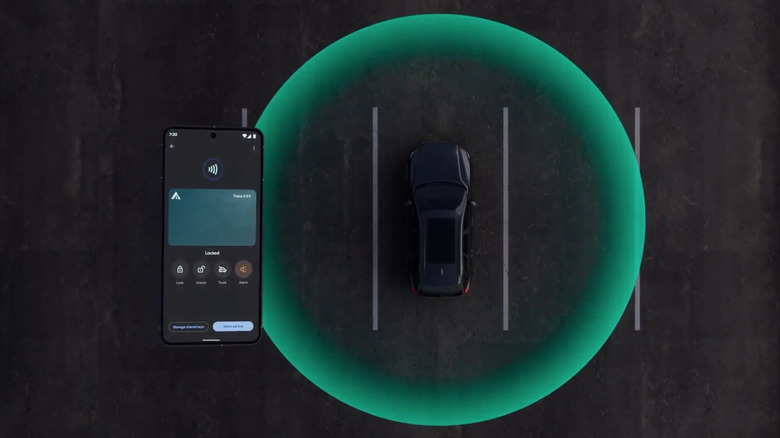
There are a few ways to add a digital car key to your Android phone, but all of them end with the key being saved to Google Wallet. The most common method is through your car manufacturer's companion app. After installing the app, you'll sign in, locate the digital car key option, and follow the on-screen instructions. During setup, you'll typically place your phone on the car's NFC reader to complete pairing.
Some manufacturers might streamline the process by sending an email to their buyer. This email consists of a link commonly labeled "Add to Android"; this allows you to follow the entire setup directly through the link. For the vehicles that offer digital key setup through the car's head unit, you will perform the process from the infotainment screen by signing in through your Google account, entering the activation code, and finally pairing your phone by placing it on the reader.
Use, share, and manage your digital key day to day
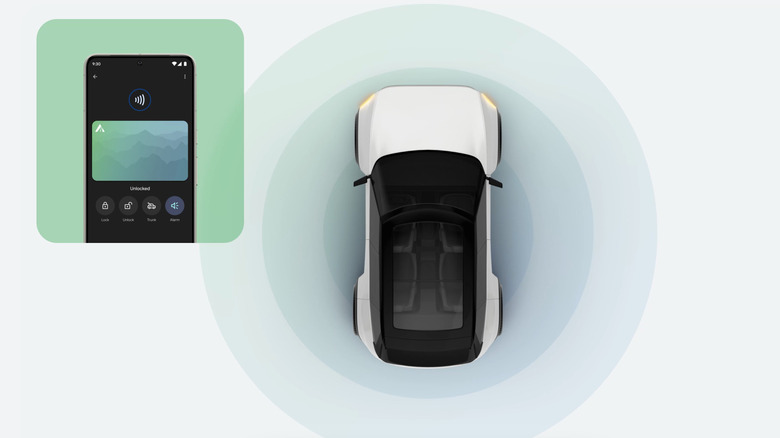
Once your digital key is set, it starts operating like any physical key fob. You can use it for the same purposes, too, like locking and unlocking car doors, starting the engine, and even triggering the alarm if you see any weird activity around your car. Some cars also offer passive entry, which means your car will automatically unlock the doors when you come near it and lock itself when you move away.
Remote commands are available on supported vehicles (like the 2026 Porsche Macan EV, which comes with a lot of digital goodies) through Google Wallet, as long as you're within Bluetooth range. You can also add quick access tiles on your phone for locking, unlocking, or opening the trunk. Even if your phone battery dies, you may still be able to unlock and start your car for a few hours as long as the key doesn't require phone unlock verification. Digital keys can also be shared; Android users can send keys to other Android or iPhone users, depending on what the vehicle supports.