

How To Store Your Digital Car Keys On Your iPhone

These days, there are plenty of ways to unlock your car without a physical metal key. Ford has put Securicode keypads on the doors of its vehicles for many years, and plenty of other manufacturers have their own keyless entry mechanisms, such as Toyota's Smart Entry and Nissan's Intelligent Key. Many keyless entry systems requiring a fob are proximity-based and hands-free; when the car's key fob is close enough to the vehicle, it will unlock automatically.
As we've already entered the age of the digital car key, an iPhone can also serve as an auxiliary key fob, operating in a similar manner to traditional fobs — but with a few extra benefits. The specific steps you should follow to set up and store your car's digital key on your iPhone will depend on your vehicle. That being said, the general procedure involves opening your car manufacturer's app, clicking through the settings on the app for digital key setup, and using the now-open Wallet app to pair your iPhone to your car's key reader.
The process also requires a compatible vehicle and a compatible device (iPhone/Apple Watch XS and newer or fully updated SE models) that's signed into your Apple Account. Digital keys can be used with brands such as Audi, BMW, Hyundai, Kia, Genesis, Mercedes-Benz, and more. If your preferred brand doesn't have a compatible model, it could still gain this functionality in the future.
How iPhone keyless entry works
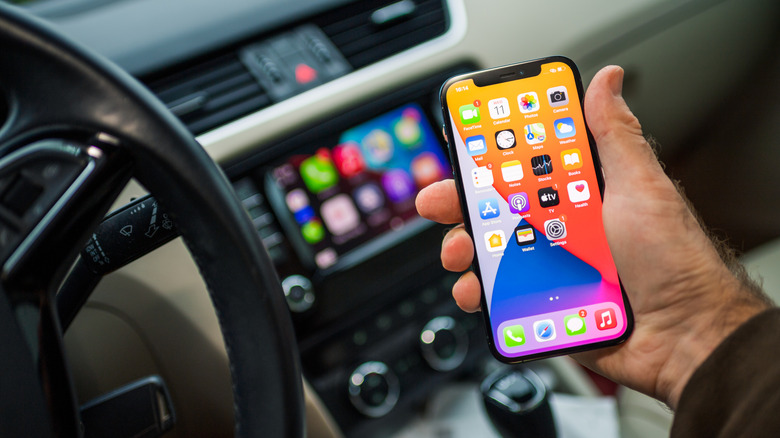
Apple is becoming increasingly integrated in the automotive space. CarPlay is virtually ubiquitous in new vehicle production, and it's even receiving new features with iOS26. It seems only natural that a digital key on the iPhone would become a part of this ecosystem.
The iPhone digital key's three primary functions are passive entry, proximity entry, and remote access. Passive entry operates the most like traditional keyless entry. The car will unlock or lock automatically when your device is within or beyond a certain distance to the vehicle, and it can be started if the car is anywhere inside that distance. Meanwhile, what Apple defines as proximity entry still requires some manual input from the user, having them hold the phone up to the door handle or the key reader to unlock and start the car. Remote access features allow the car to be unlocked and locked by simply pressing the right buttons on your Wallet app.
The exact features available with your iPhone key depend on your vehicle, but being able to treat your phone as an auxiliary fob can make your life a lot easier — especially if you ever misplace your actual key. Additionally, ome vehicle models allow the digital key to be shared to others' devices, and even if your own device dies, some iPhones have reserve power that will keep the digital key operational. Considering all of these benefits, it's hard to say if there is any sort of limit to Apple's ability to augment the automotive experience.