

How To Avoid Headaches Trying To Charge Your Rivian At A Tesla Supercharger
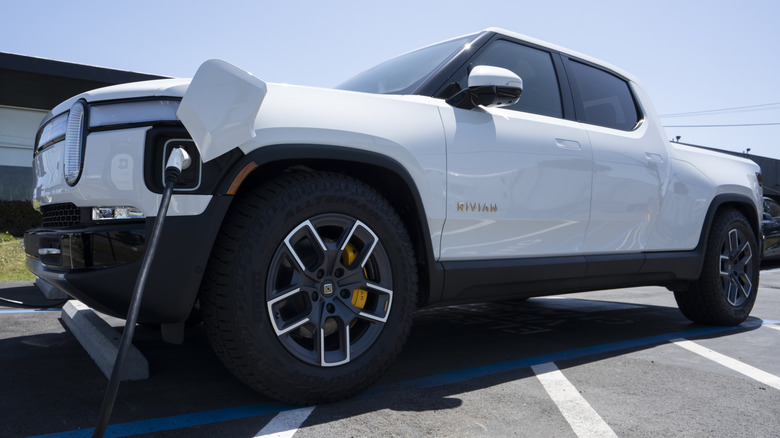
In a perfect world, there would be a single type of connector for every EV sold on the planet. Every single charging station would connect to every EV sold, and software glitches wouldn't exist. But we don't live in a perfect world, and charging an EV at a fast charging station can be fraught with issues and frustrations. That can be especially true when attempting to charge a non-Tesla EV — like a Rivian – at a Tesla Supercharger. Fortunately, the solution is usually as simple as using an adapter or consulting Tesla's own app on your smartphone. But that charging experience still isn't as easy as it is with Tesla's own cars, and not every automaker is clear about the steps needed to get it working.
On a Tesla vehicle, a driver simply has to park at a Supercharger and plug in. Because Tesla is so vertically integrated, the company already has your credit card information on file, and charging couldn't be simpler. Just plug in to the connector, and everything else is taken care of automatically. Tesla builds both Superchargers and vehicles, so its engineers know exactly what type of hardware will be plugged in, which improves reliability immensely. Other automakers offer a similar experience now by allowing their cars to use Tesla Superchargers, but that compatibility isn't seamless.
CCS, NACS, and fast charging
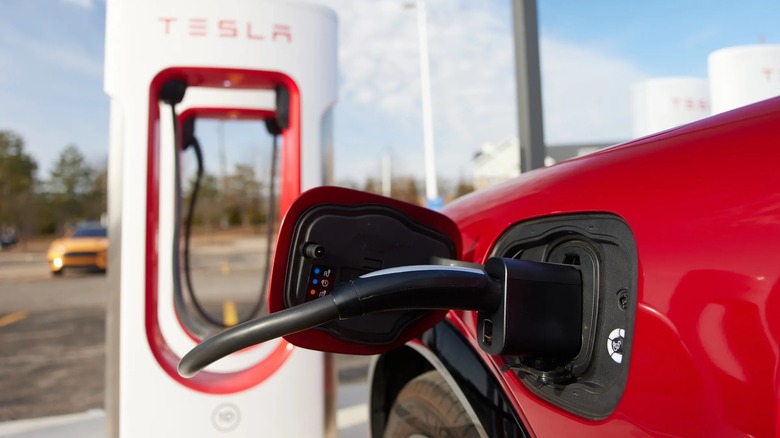
Ford was one of the first automakers to support using Tesla's Supercharger network (with an adapter, at first). If the owner of the Ford vehicle had payment information on file in their FordPass account, the driver would just have to plug into the adapter and then into the car. Everything else was taken care of automatically, just like if the driver was in a Tesla. In theory, that's how it's supposed to work with all new EVs that have Tesla Supercharger compatibility. But some Rivian owners have expressed frustration that it's not a plug-and-play experience.
If you have a CCS-equipped Rivian, which is what you'll find in the brand's vehicles before the 2025 model year, you'll need an adapter to convert your connector to the type used by a Tesla Supercharger. Called NACS (North American Charging Standard, or SAE J3400 for the turbo nerds), the Tesla connector is a different design that performs a similar function. Luckily, adapters aren't going to be necessary in the future, as the new Rivian R2 will support NACS natively.
Using the Tesla app for charging
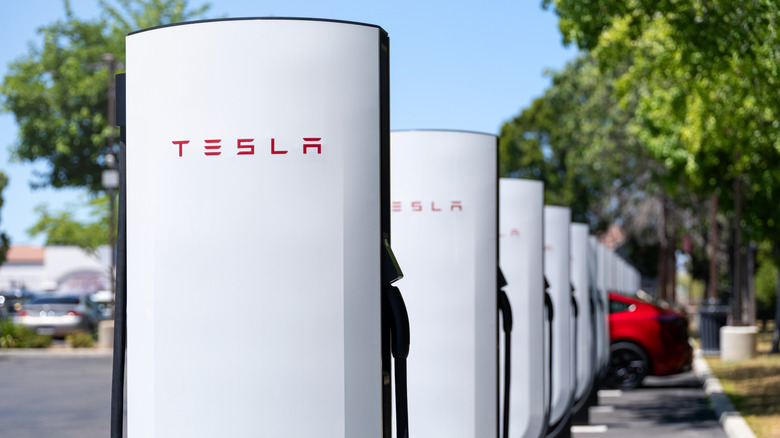
Regardless of whether you need an adapter, you're going to want the Tesla app on your smartphone and to set up a Tesla account with your credit card information. This will make paying easier when it comes time to charge. You can also input the make and model of your EV to make the process a bit simpler, which is necessary because not every single Tesla Supercharger station will charge non-Tesla EVs. They need to be V3 or newer, and while Tesla is rapidly updating its older hardware, not every station is online yet. Some built-in navigation systems will only send you to stations that work, but the best way to double-check is to use the Tesla app on your phone to find a compatible station.
When you arrive at the station, open the Tesla app and select the option to charge your non-Tesla EV. You'll then select your location and which charging stall you're parked at. There's usually a letter and a number at the bottom of the pedestal. Input that information into the app and then follow the directions on your phone. It'll tell you when to plug in the charging cord, and it takes care of the rest. Your Rivian will show that your car is charging, and the Tesla app will show the charging status and the cost so far.
Non-standard plugs isn't fun
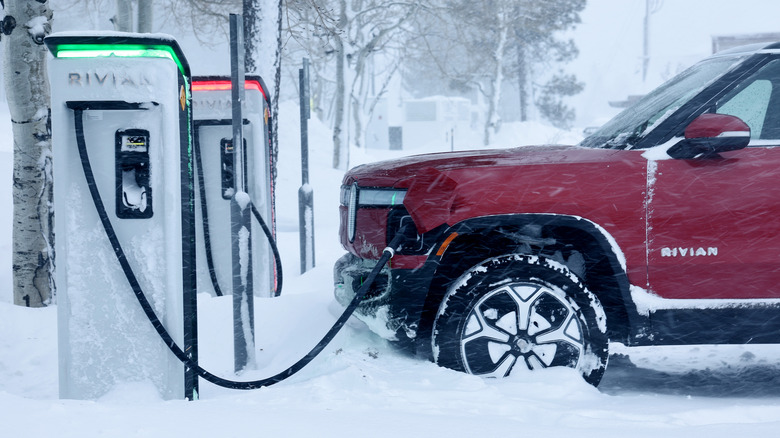
If this process doesn't work, there's likely an issue with the Supercharger station itself. And if none of the stalls work, there might be an issue with your vehicle. Most of the time, though, starting a charging session in the Tesla app ensures a smooth experience. This applies to all non-Tesla EVs, not just Rivian.
For Level 2 charging, your Tesla-to-CCS adapter won't work with Tesla's destination chargers. You'll need a separate J-1772-to-NACS adapter for that type of charging. There also isn't an adapter that converts any Tesla connector universally into either AC or DC charging. But you're unlikely run into a situation where you need this adapter in the first place. Even most hotels provide both types of chargers or offer the J-1772 connector, which all non-Tesla EVs use for CCS fast charging — and all Teslas come with an adapter to plug into.
While it might not be as seamless as charging with a Tesla, paying for the adapter and keeping it in your Rivian is a great way to have more charging options when you're out on the road. It'll also help make it easier to price shop. Tesla charging might be cheaper than a competitor's like Electrify America, helping offset the cost of the adapter. Plus, with more options, you're less likely to end up stranded.